Interface of Grammarlyצילום: Grammarly
Grammarly is long known as one of the top freelancer tools for writing. It’s an AI-powered assistant that checks your writing in real time and provides suggestions for improvement. With its help, you can write better and clearer to look professional.
Grammarly is a versatile writing assistant. With its help, you can:
Check any type of writing, such as documents, correspondence, and other content types, for grammar, spelling, punctuation, and other errors.
Identify and improve the tone of writing.
Detect plagiarism and AI in your writing.
Paraphrase or humanize your text.
Smart writing suggestions to polish your content and correspondence.
An opportunity to improve the tone of writing.
Smooth integration with different devices and tools.
Free plan for independent users and paid options for more advanced features.
6. Loom – Efficient Video Messaging for Quick Updates
Interface of Loomצילום: Loom
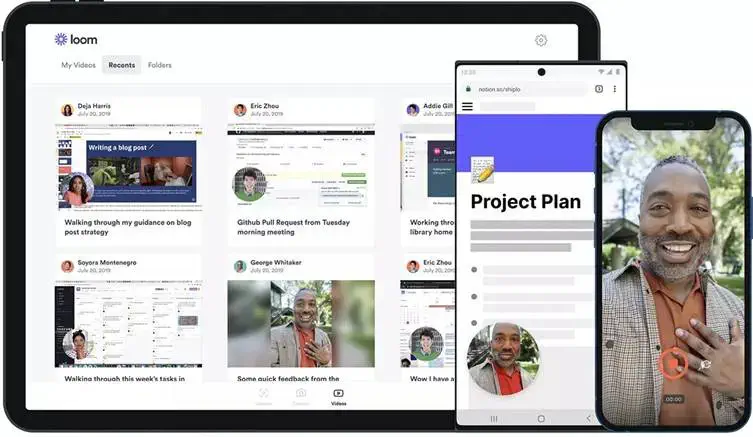
Loom is a video messaging tool designed for collaboration. It might not be the most obvious one among the freelancer tools you need in 2026. But it really comes in handy when text is not enough and a meeting doesn’t work.
Loom is among the top freelance tools that simplify communication between you and your clients. With its help, you can:
Record your screen and camera.
Instantly edit your video messages.
Share your videos across multiple channels.
Simple and convenient video messaging when simple texts don’t cut it.
Integration with hundreds of other tools for seamless sharing.
Simple editing features.
Customizable privacy controls.
7. Slack – Fast and Convenient Communication
Interface of Slackצילום: Slack
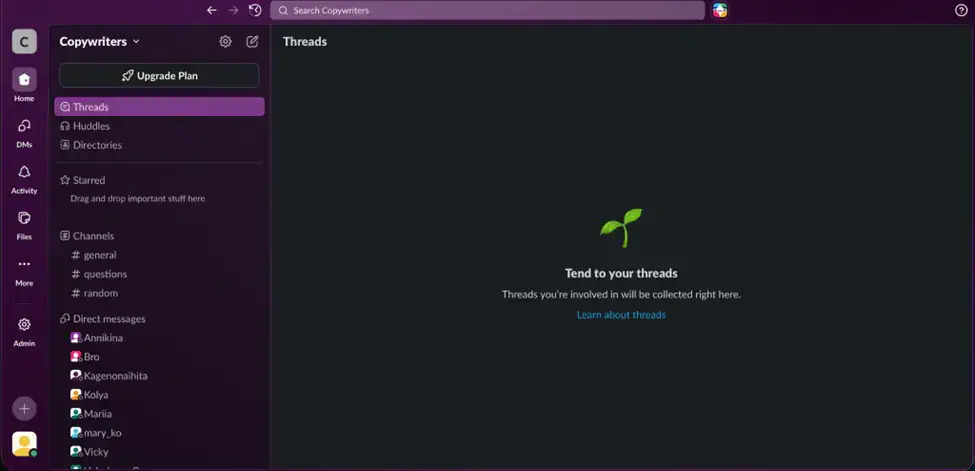
Slack is a cloud-based communication solution. It helps organize projects and communicate with your clients in real time, which makes it one of the essential freelance tools for 2026.
Slack is the ultimate solution for transparent and well-organized correspondence. With this tool, you can:
Create and manage projects. Slack allows you to have separate spaces for different projects/clients and customize tasks for each.
Connect with your clients or partners. You can invite external parties to collaborate on your projects.
Set up convenient communication channels. You can set up multiple chat rooms for different projects or topics.
A single convenient communication channel to replace email clutter.
Simple setup and customization of projects.
A possibility to add tasks to each project for better transparency.
Seamless collaboration with clients and partners.
Enhance Your Workflow With the Right Tools for Freelancers Freelance tools help organize your workflow and look professional. But there are many freelancing tools out there. And it can make the choice quite overwhelming.
To help you get started, we’ve tested popular tools and made a list of the most essential ones to use today:
PDFAid: to manage your paperwork;
Toggl Track: to track time effectively and simplify billing;
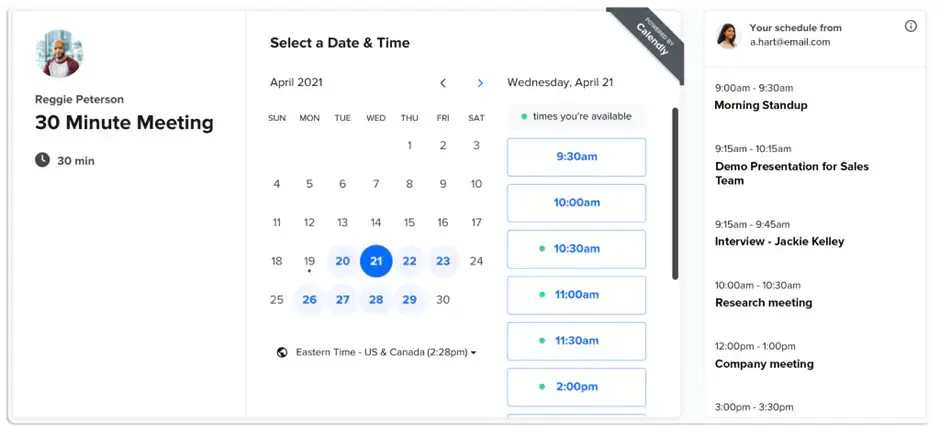
Calendly: to automate scheduling;
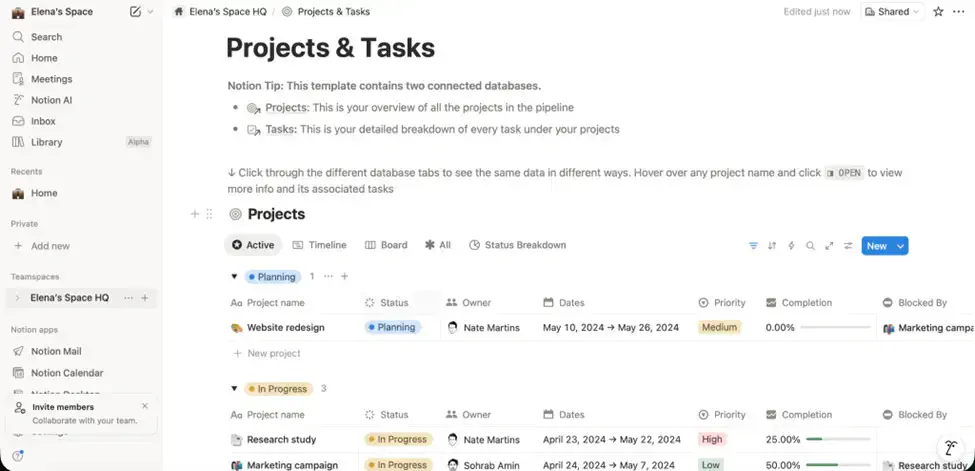
Notion: to organize an effective, single workspace;
Grammarly: to write correctly and clearly;
Loom: to record videos with ease;
Slack: to communicate and collaborate in real time.
Include these freelancer tools in your tech stack this year, and become productive!
 By admin